A business case isn’t a spreadsheet you attach to a proposal. It’s the document that lets your deal travel to the people who set priority and release funding, in rooms you’re not in.
If you can’t justify change in a way an executive would defend, you’re not managing a deal, you’re collecting data.
What’s in the template
The Google Doc version walks through a worked example (a fictional ACME project, so you can see what “good” looks like) with these sections:
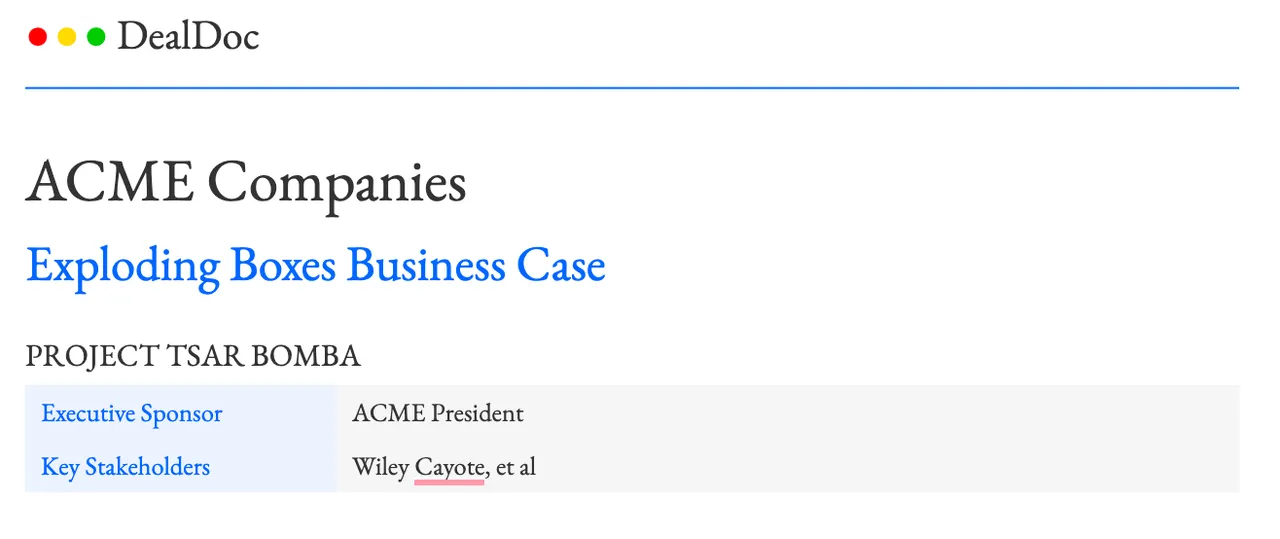
- Title block: the project name, executive sponsor and key stakeholders.
- Executive summary: the whole case in one paragraph.
- Current state: the measurable problems today, in the buyer’s language, with the opportunity quantified.
- Proposed solution: what you’re recommending and why it closes the gap.
- Cost of delay: what every month of waiting costs, and the risk that compounds while nothing changes.
- Financial justification for change: a side-by-side table of current state versus future state, split into hard costs, soft costs and one-time implementation costs, rolling up to year-one and year-two ROI.
The Google Slides version turns the same story into an executive narrative: current state and monthly cost of delay, desired future state with year-one targets, the solution and delivery plan, and the justification with payback.
How to use it
- Build it with the buyer’s numbers. No generic benchmarks. If they can’t see their own business in the math, why would they prioritize it?
- Separate hard costs from soft costs. CFOs discount soft numbers. Put the firm ones where they can see them.
- Put a price on waiting. Take the agreed-upon business value and divide by 250 working days. A million-dollar ROI is $4,000 lost per day.
- Get it challenged. A business case isn’t real until the people who fund and sponsor the change have pressure-tested it and are willing to stand behind it.
- Send it before the proposal, or attach it. Never send pricing without the reason to change.
For the full method, read How to Build a Business Case. To make the future state tangible for executives, pair it with the PRFAQ template.